
Book Flights Efficiently
Go to bookings.businesstravel.com
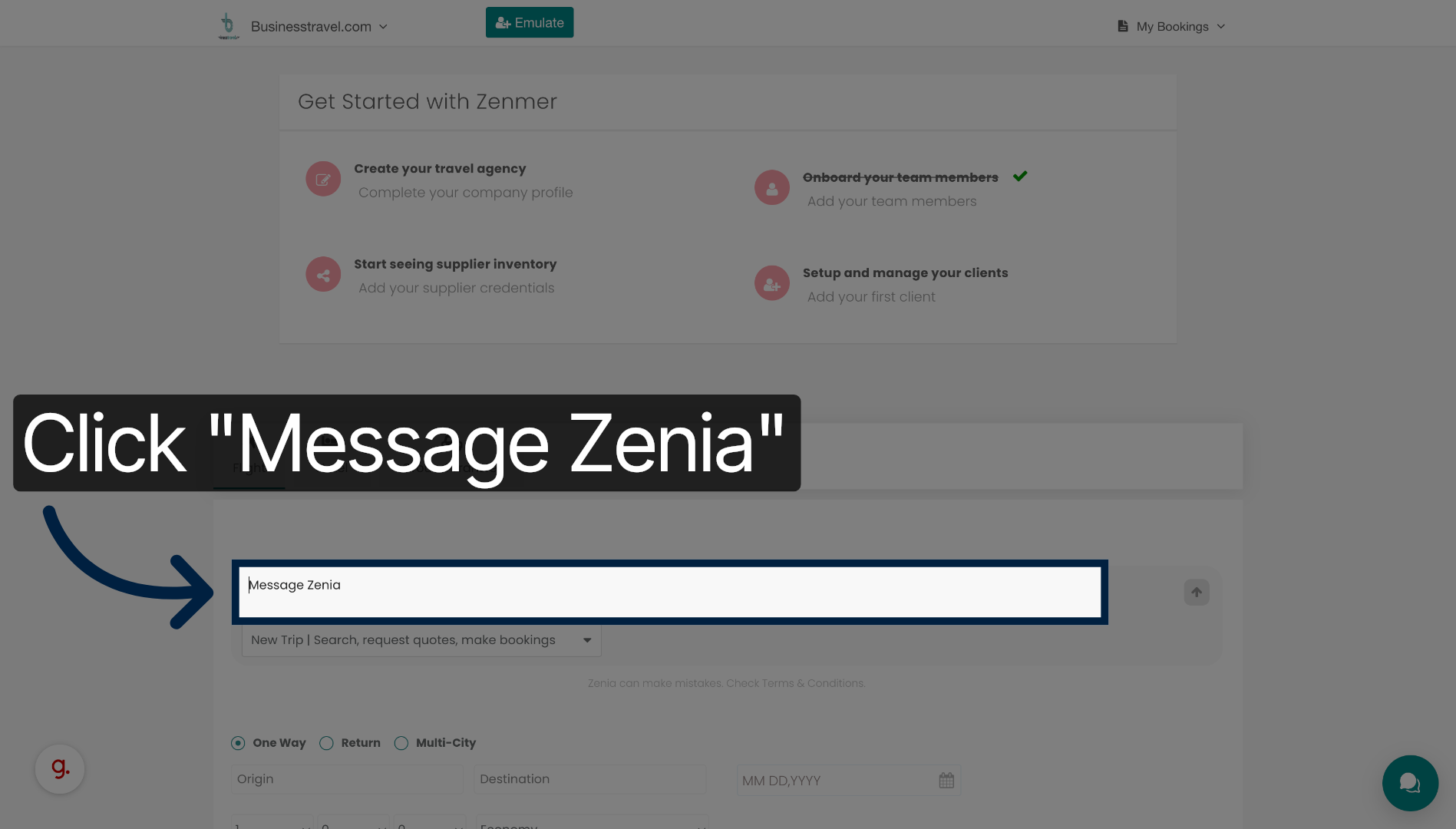
1. Click Message Zenia
Click the Message Zenia button to start your flight booking request through the chat interface.
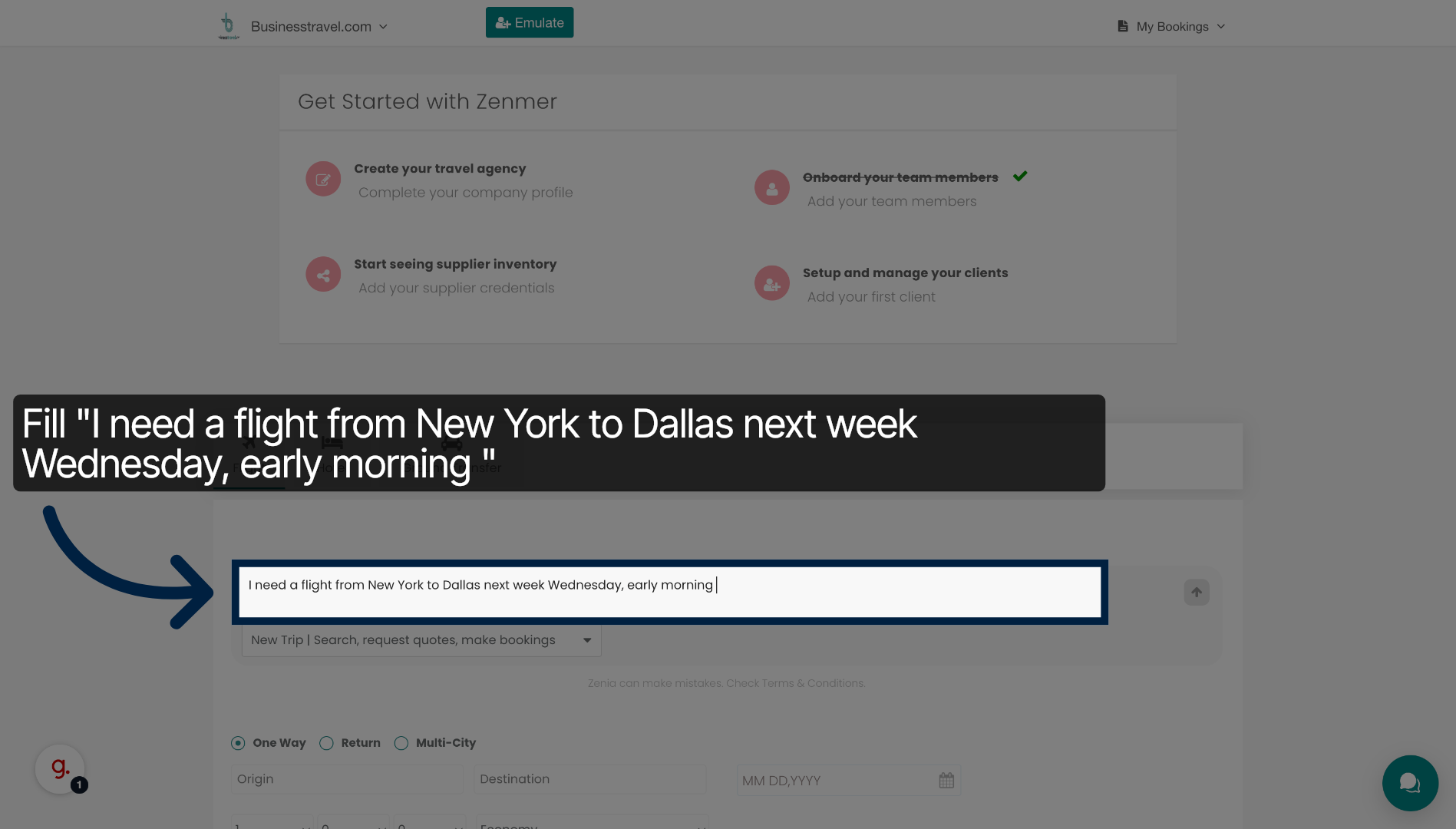
2. Enter Flight Request Details
Enter your flight details by specifying your travel from New York to Dallas next week Wednesday, early morning.
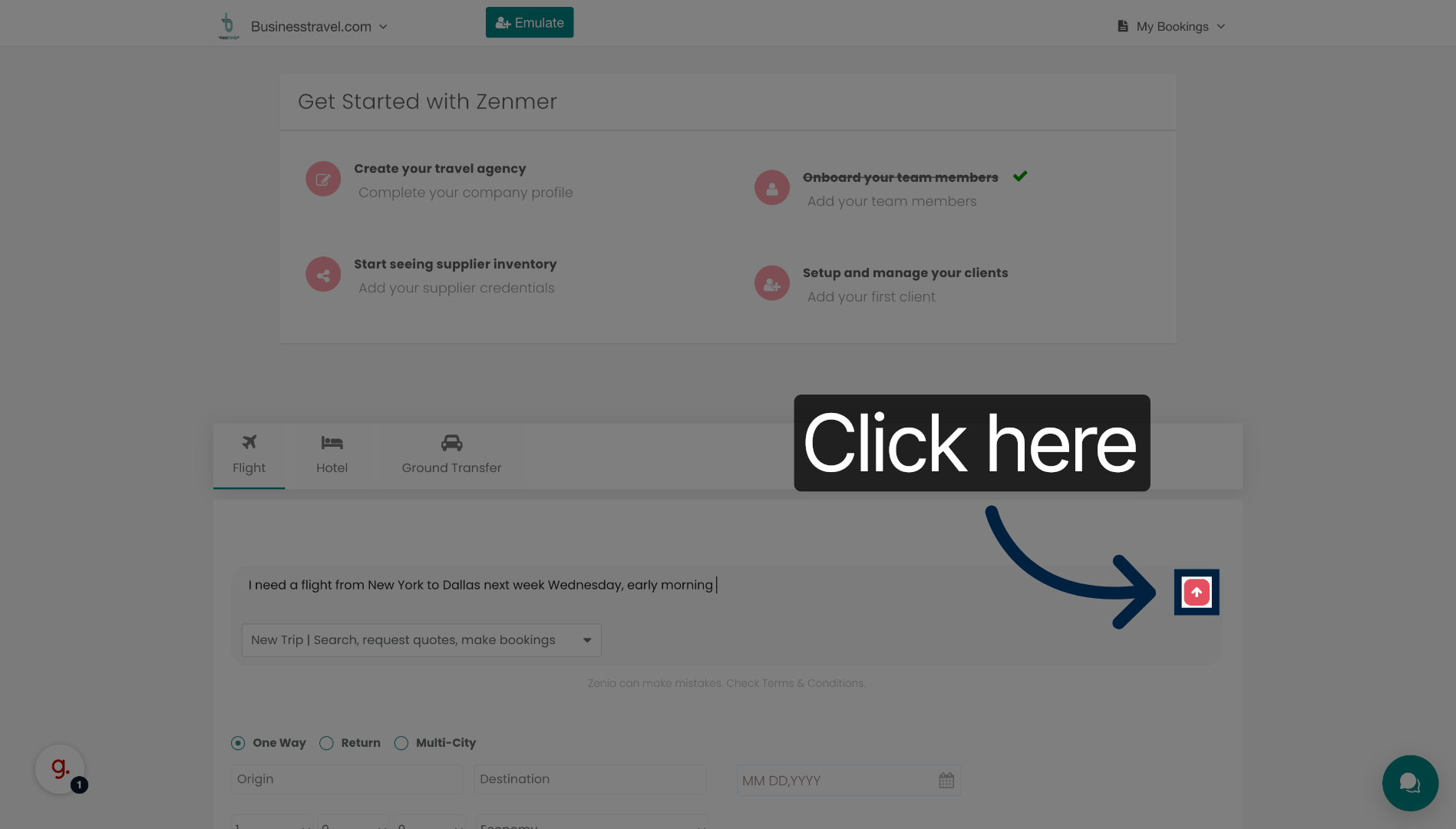
3. Proceed to Next Step
Click the indicated area to continue to the next step in the booking process.
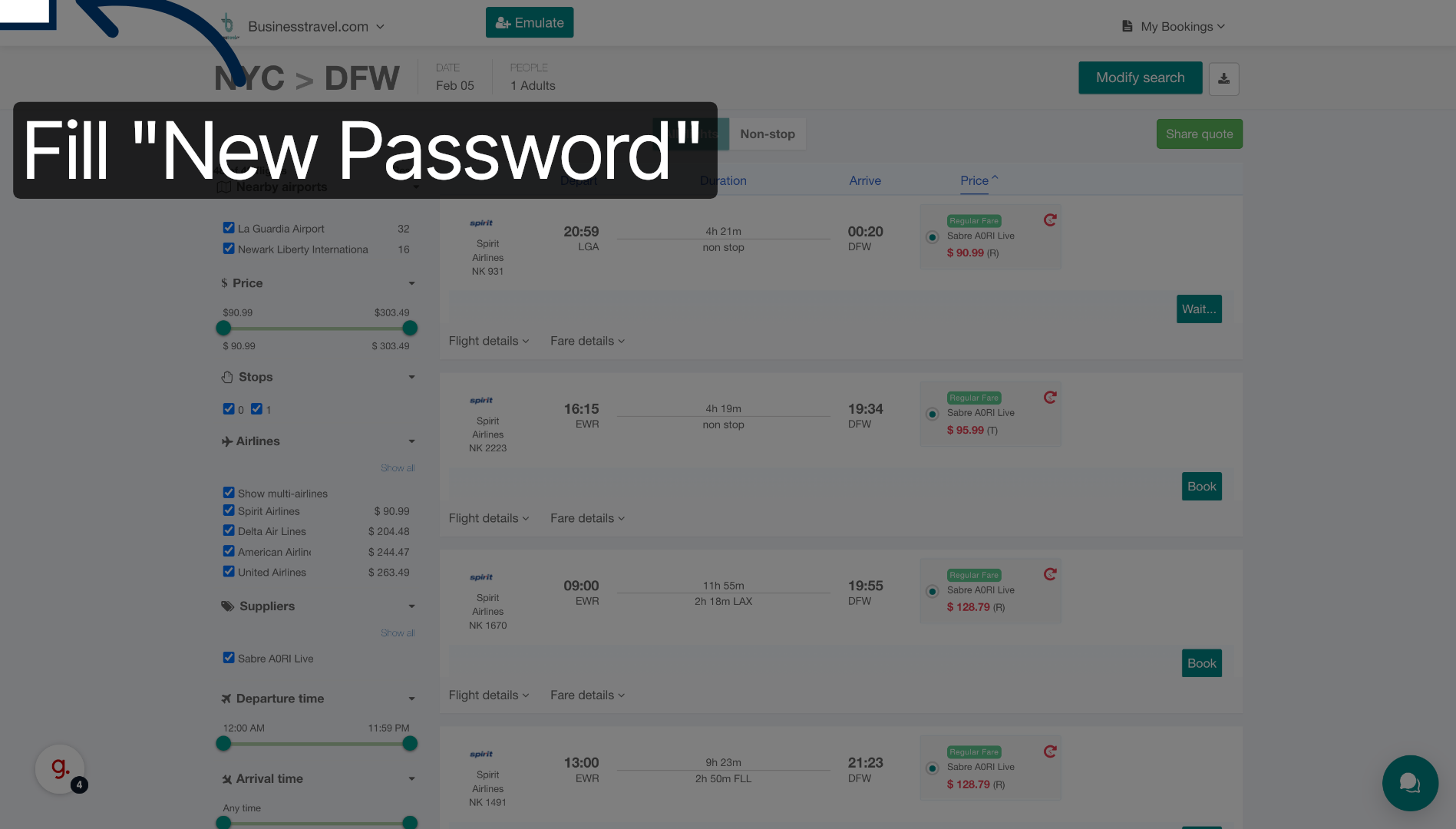
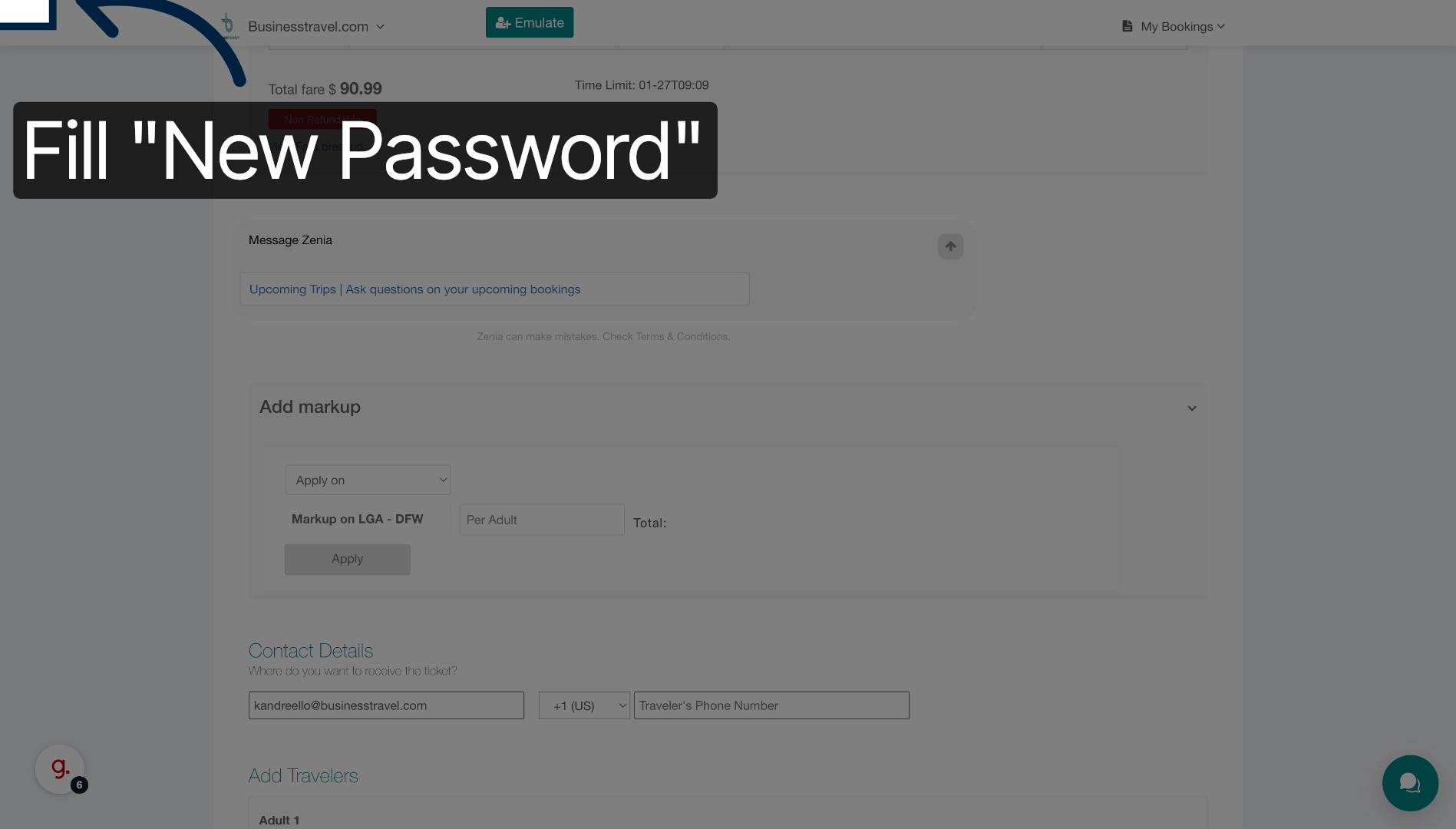
4. Enter New Password
Enter your new password to secure your account before proceeding with the booking.
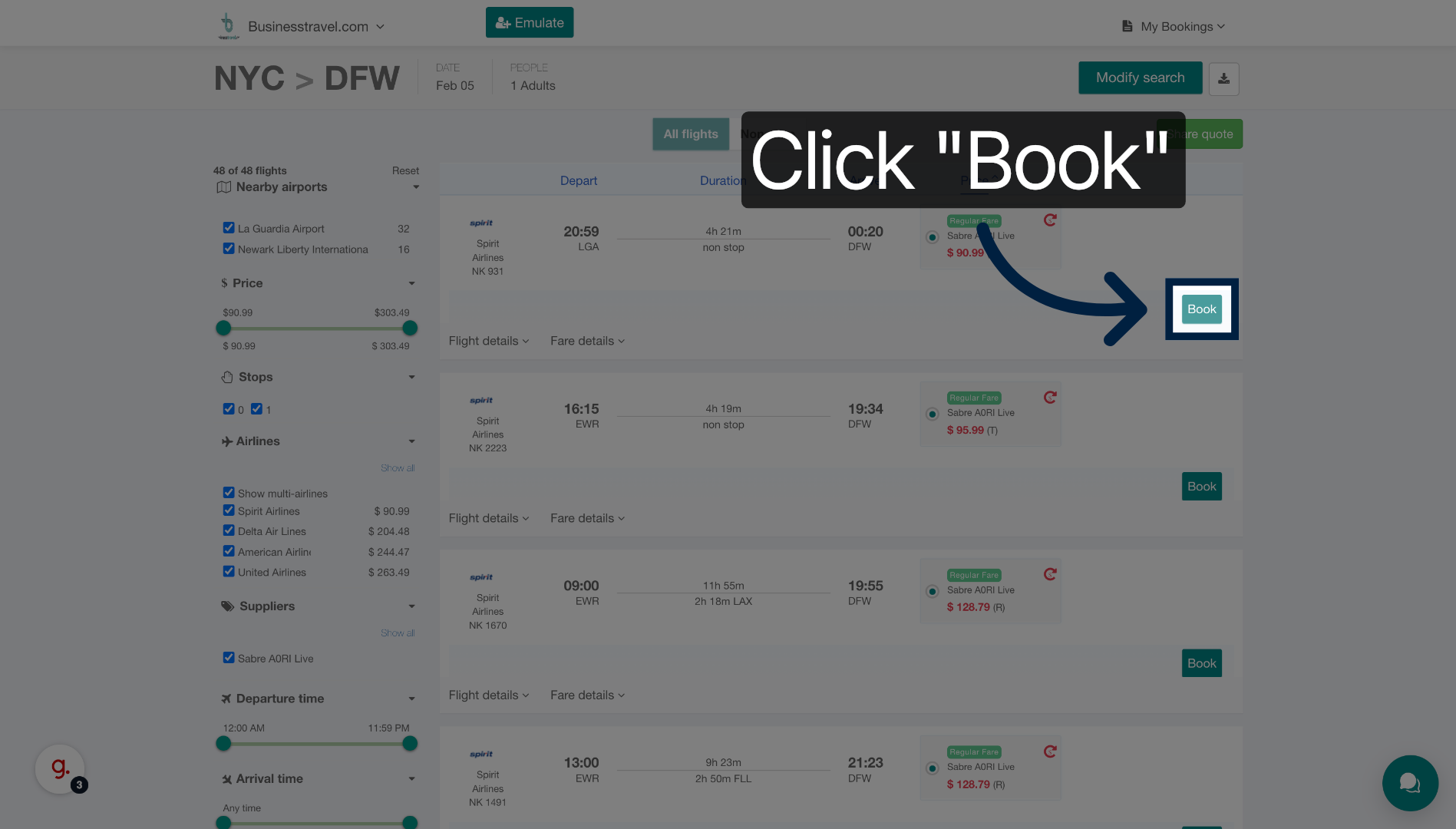
5. Click Book Button
Click the Book button to confirm your flight selection and move forward with the reservation.
6. Re-enter Password
Enter your password again to verify your identity and ensure secure booking.
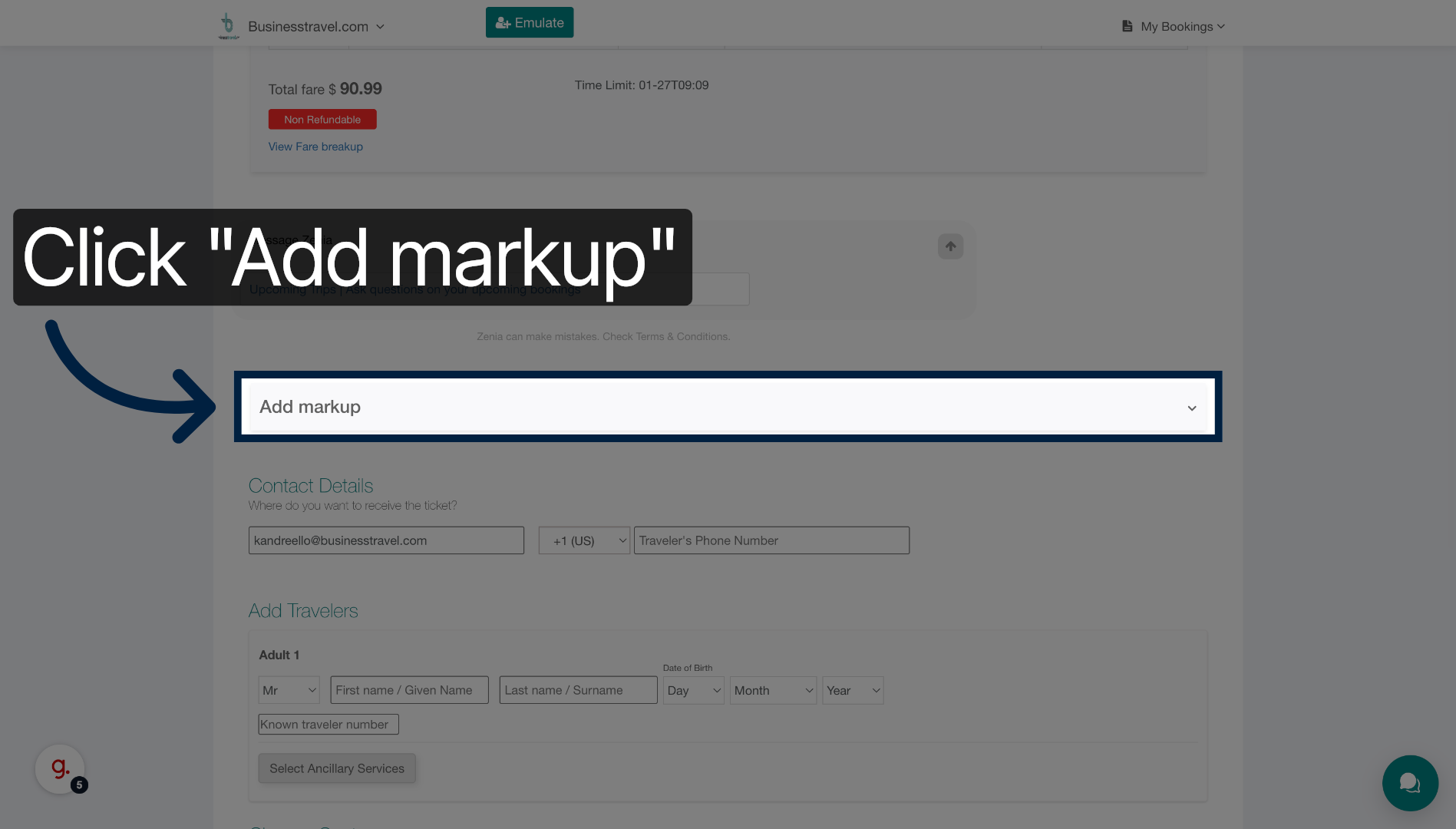
7. Click Add Markup
Click Add markup to include any additional fees or commissions to your booking.
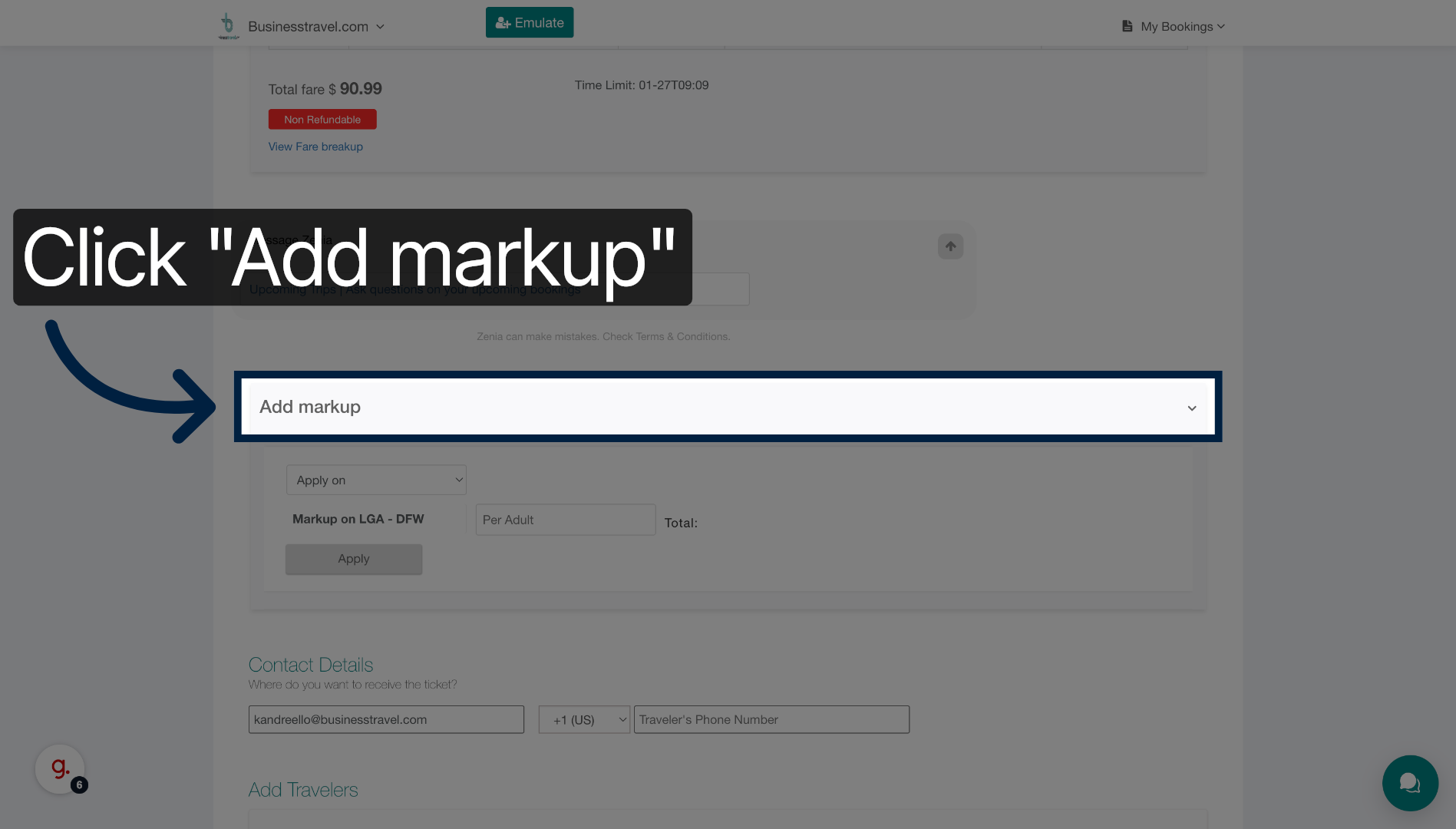
8. Click Add Markup Again
Click Add markup once more if you need to add further adjustments or charges.
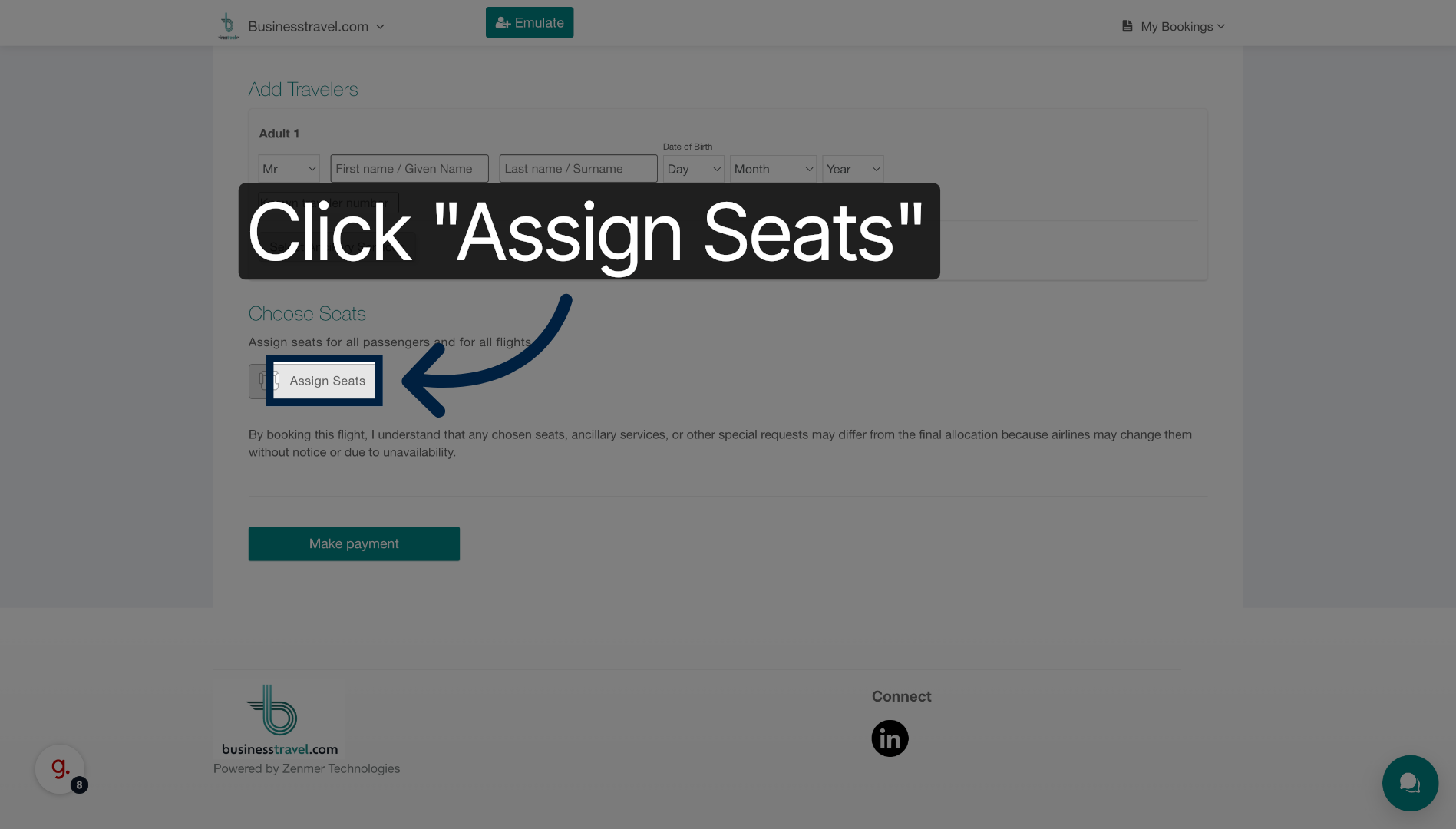
9. Click Assign Seats
Click Assign Seats to select your preferred seating arrangements for the flight.
You have successfully completed a flight booking on the Businesstravel platform by communicating your travel needs, securing your account, and managing booking options. Next, you can review your itinerary or explore additional travel services offered.