How to check Trips
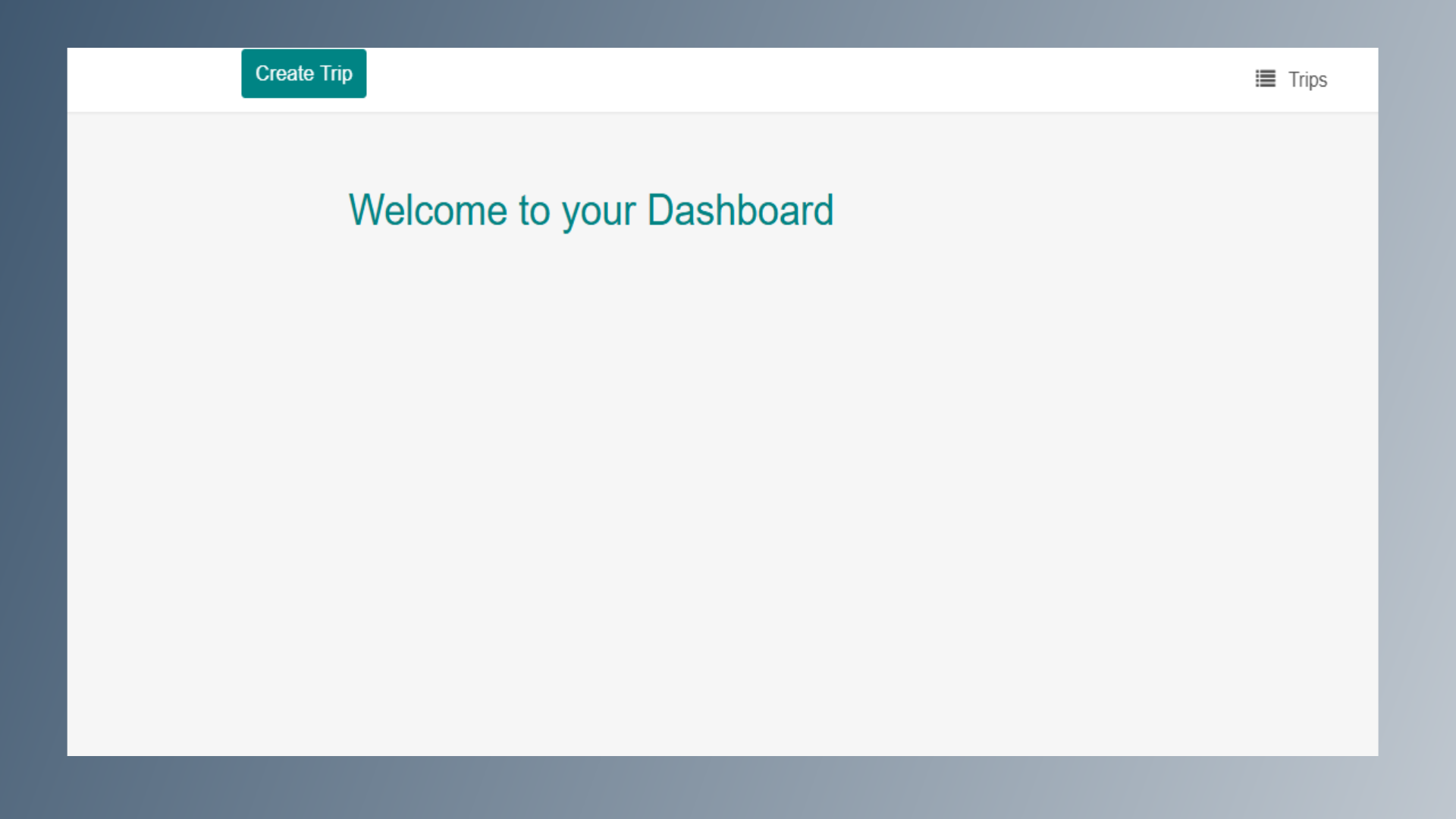
1. Dashboard
After successful login, you will be redirected to the Dashboard page.
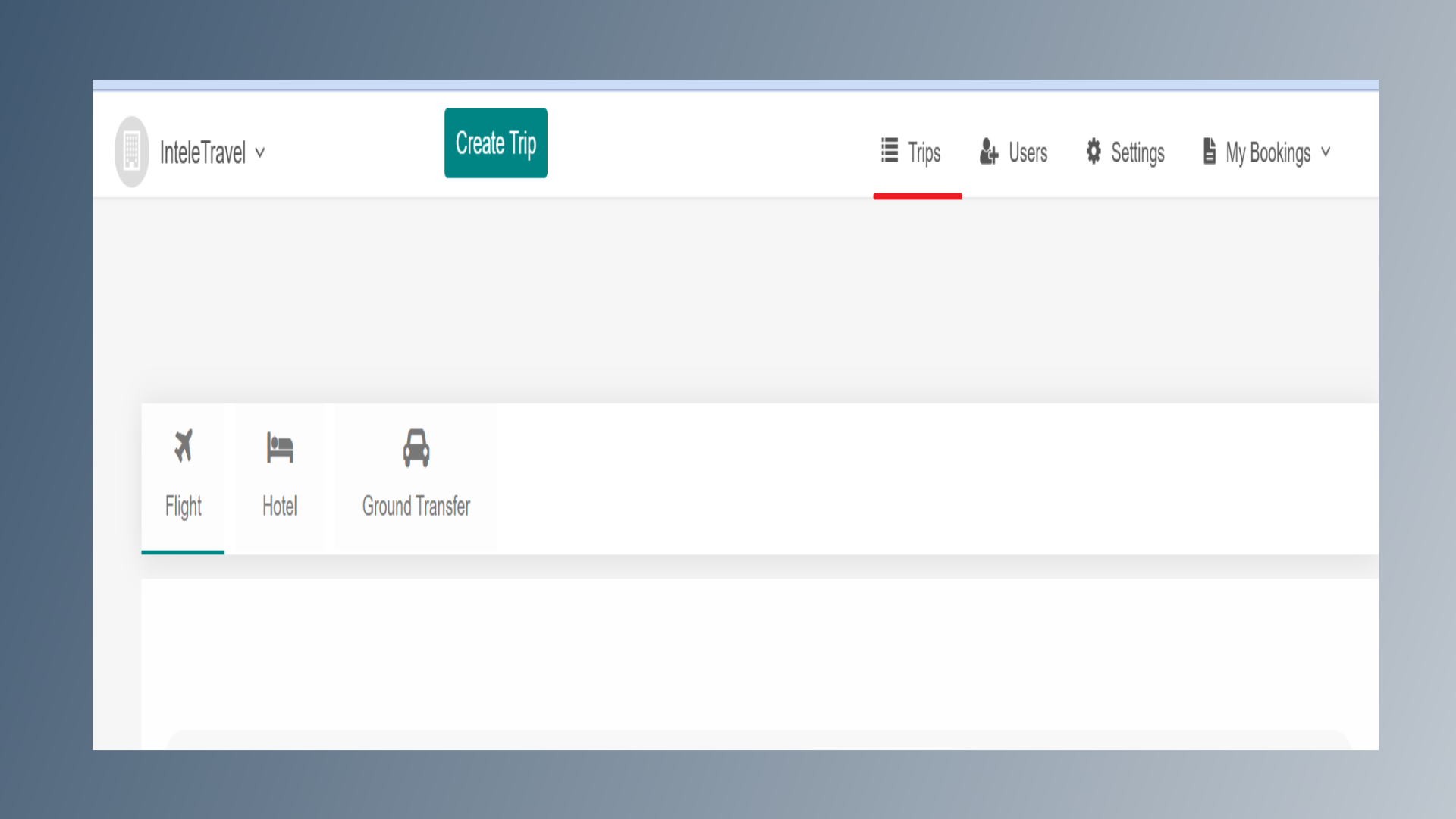
2. Trips
From the Dashboard, click on the Trips option.
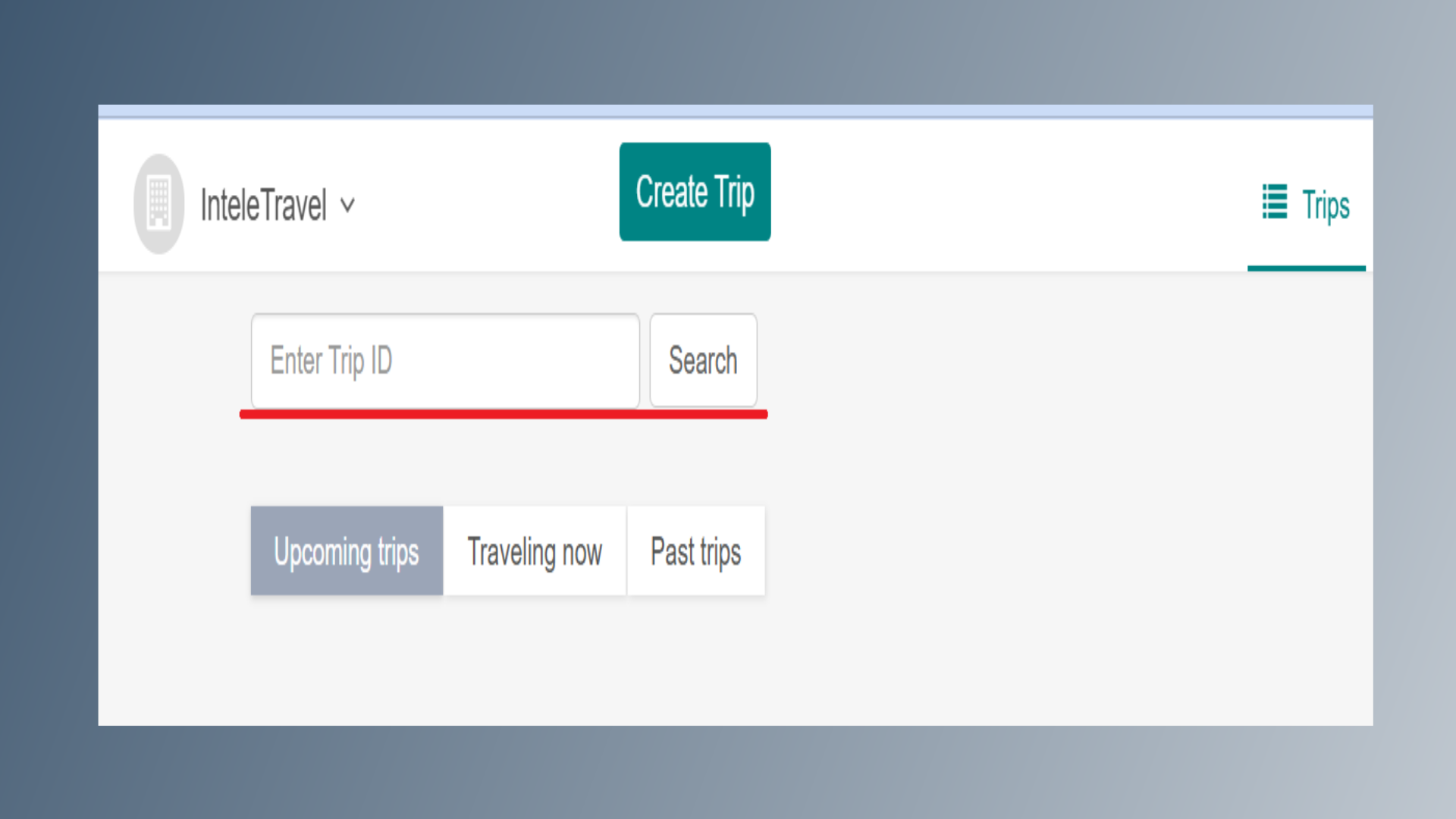
3. Trip ID
On the Trips page, you can search for a specific trip using the Trip ID.
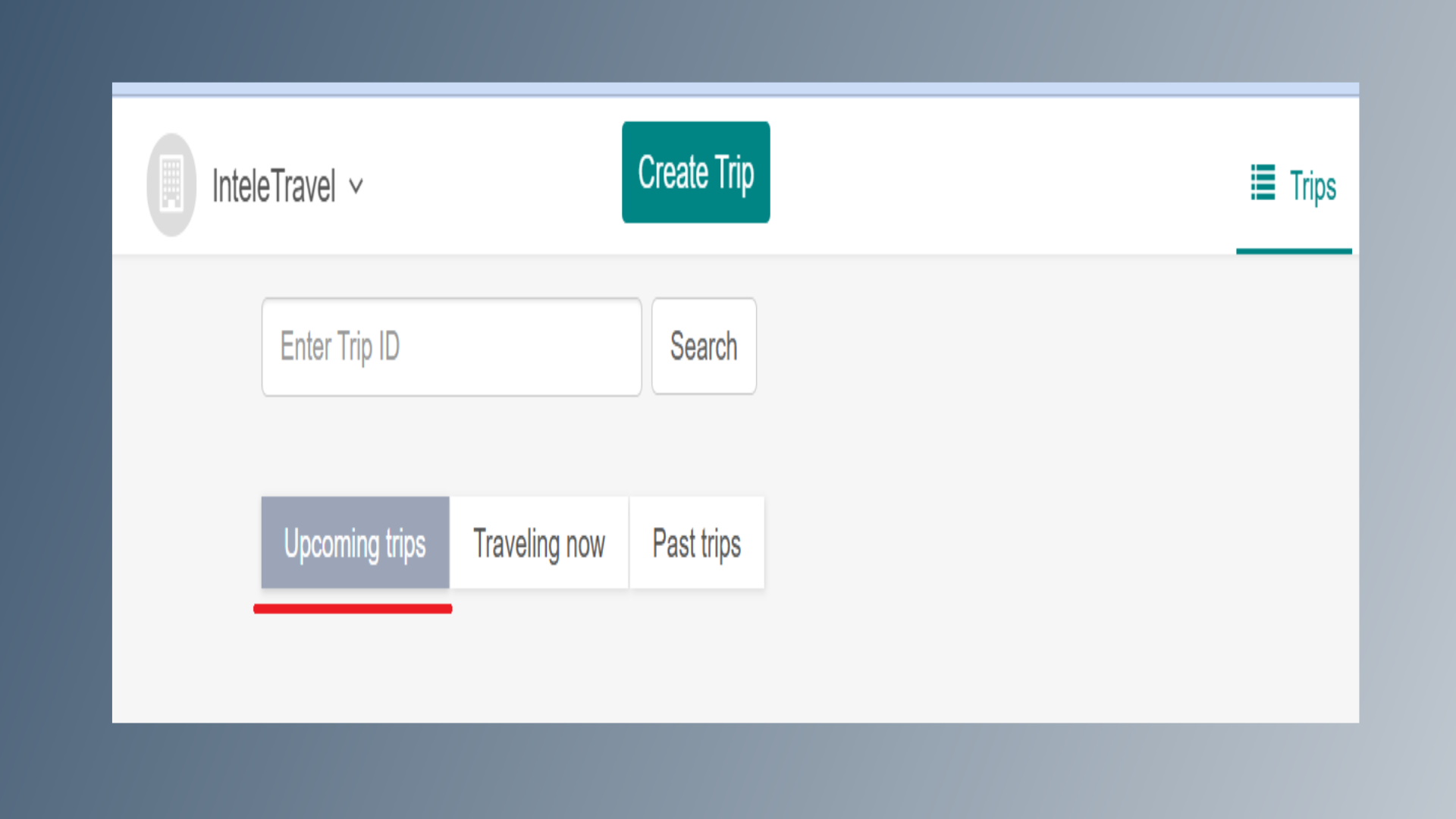
4. Upcoming Trips
Select Upcoming Trips to view all scheduled upcoming trips.
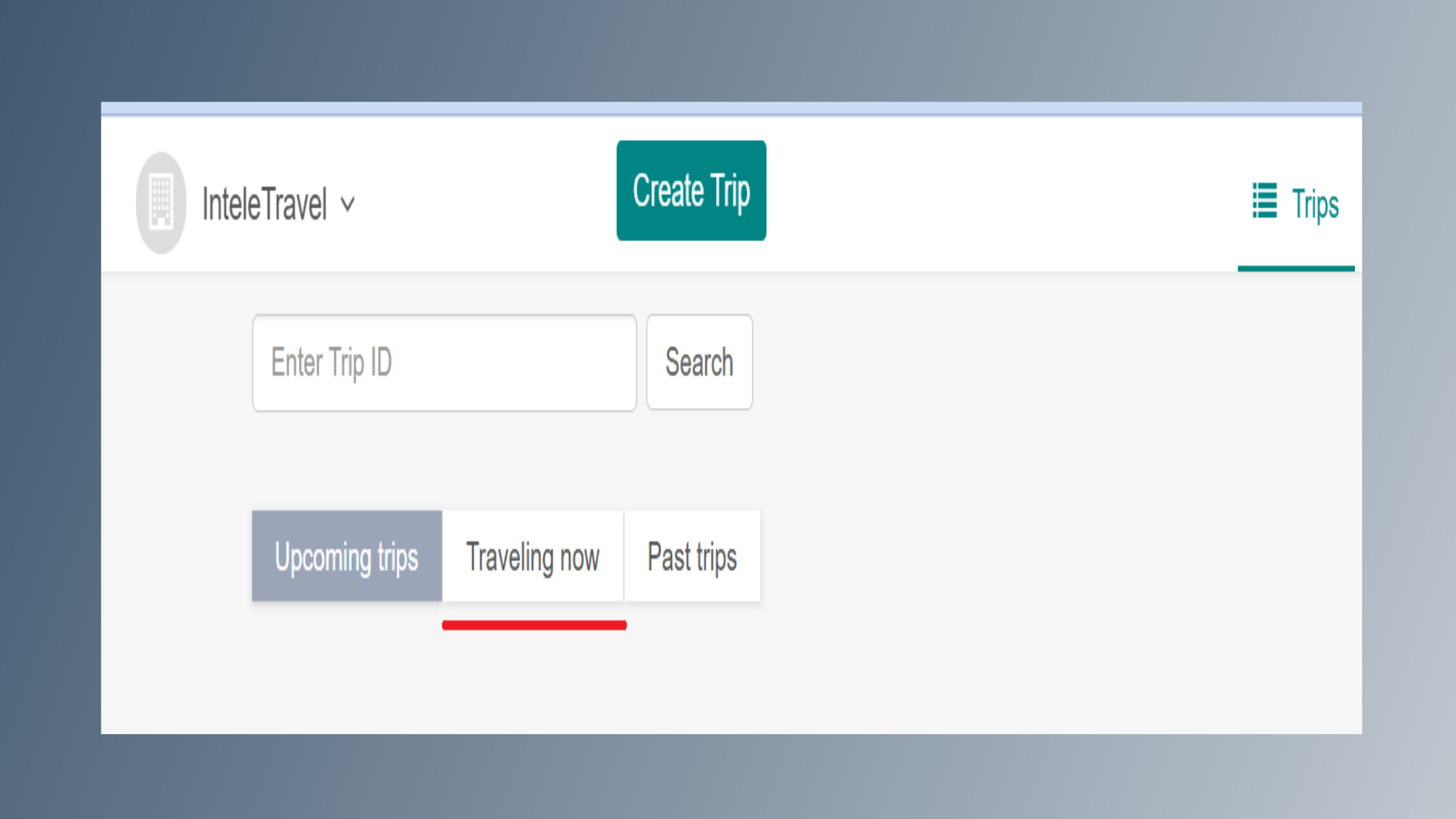
5. Traveling now
Select Travelling Now to view trips that are currently in progress.
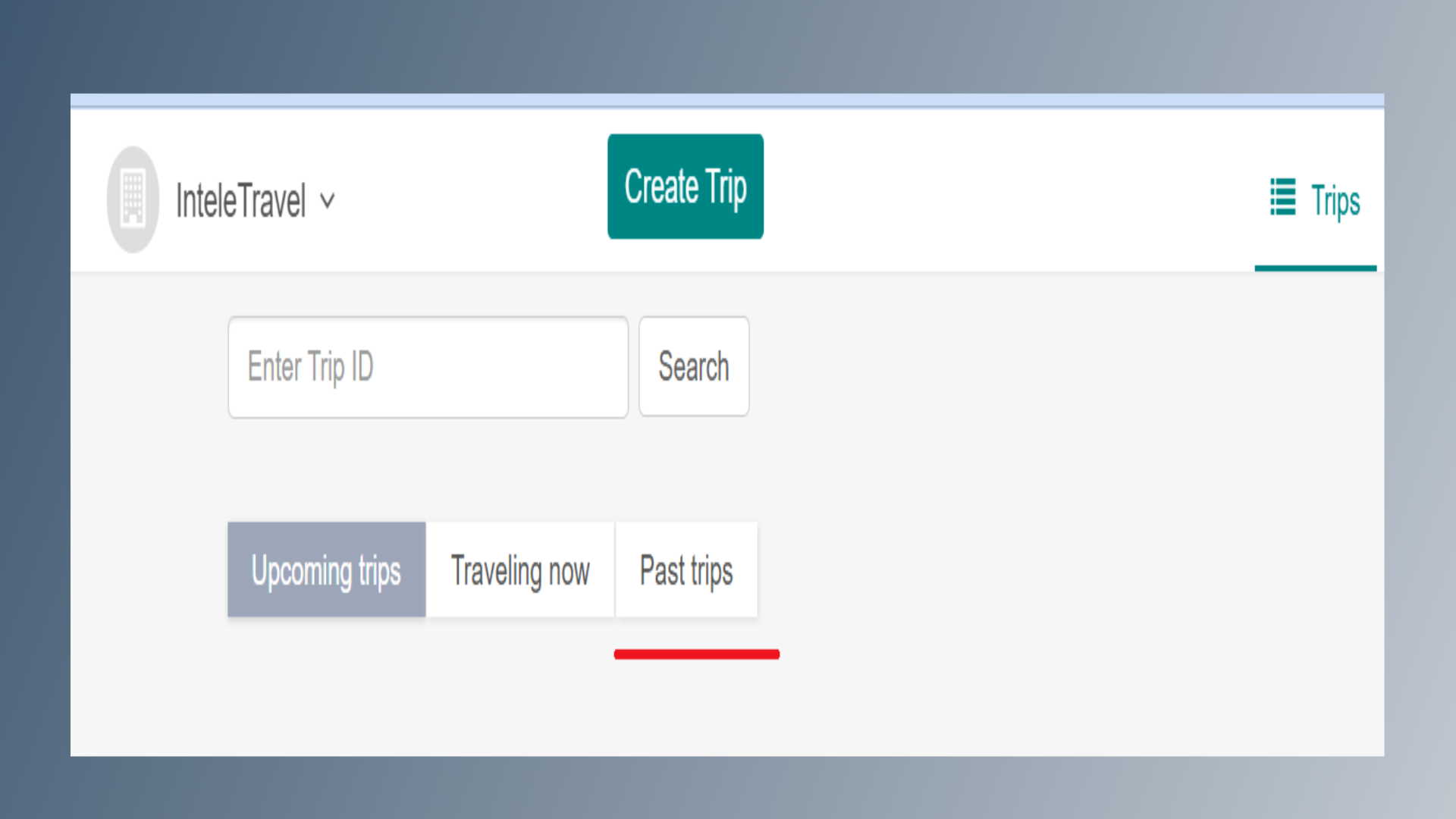
6. Past Trips
Select Past Trips to view all completed trips.