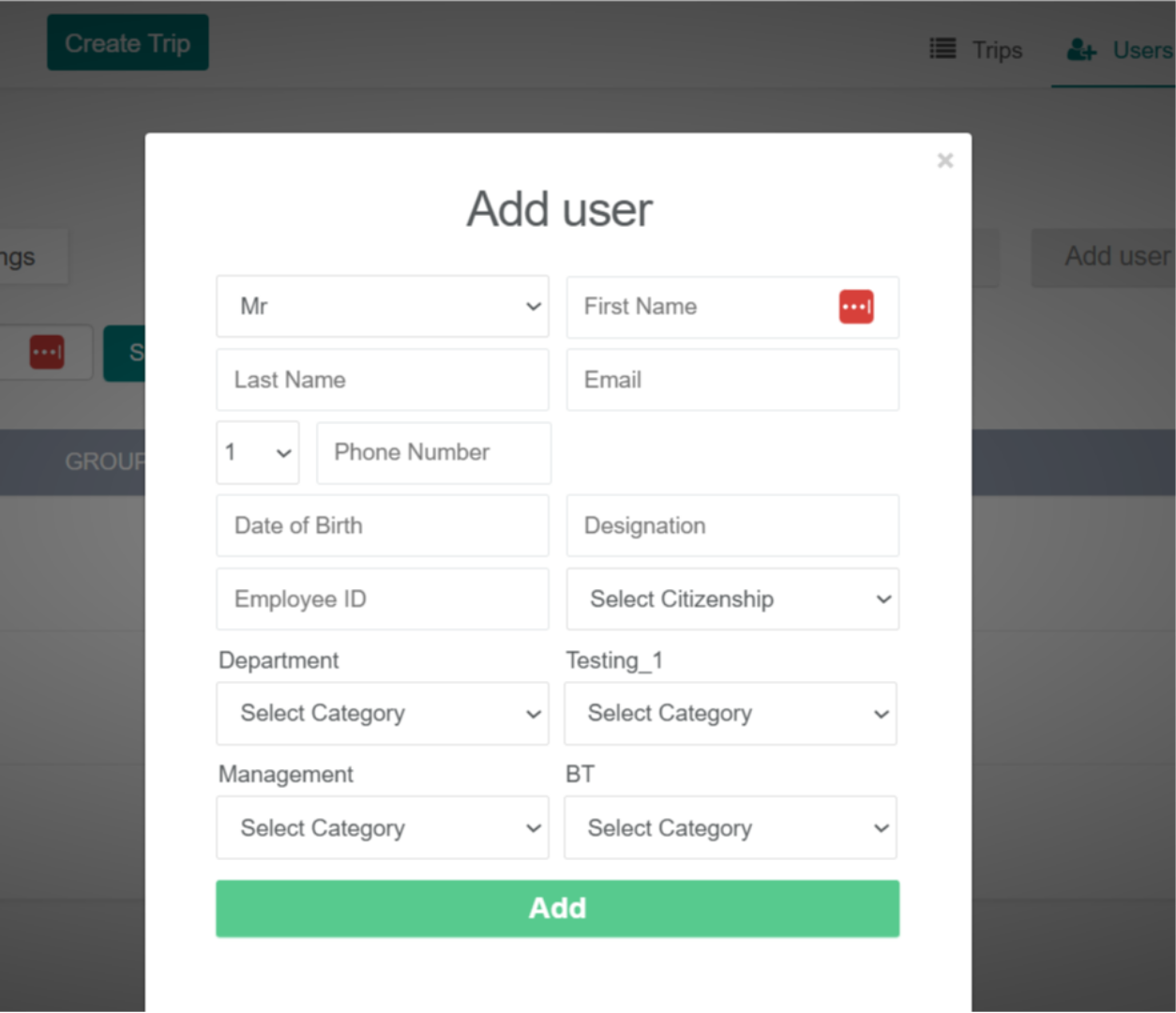
How to create an employee
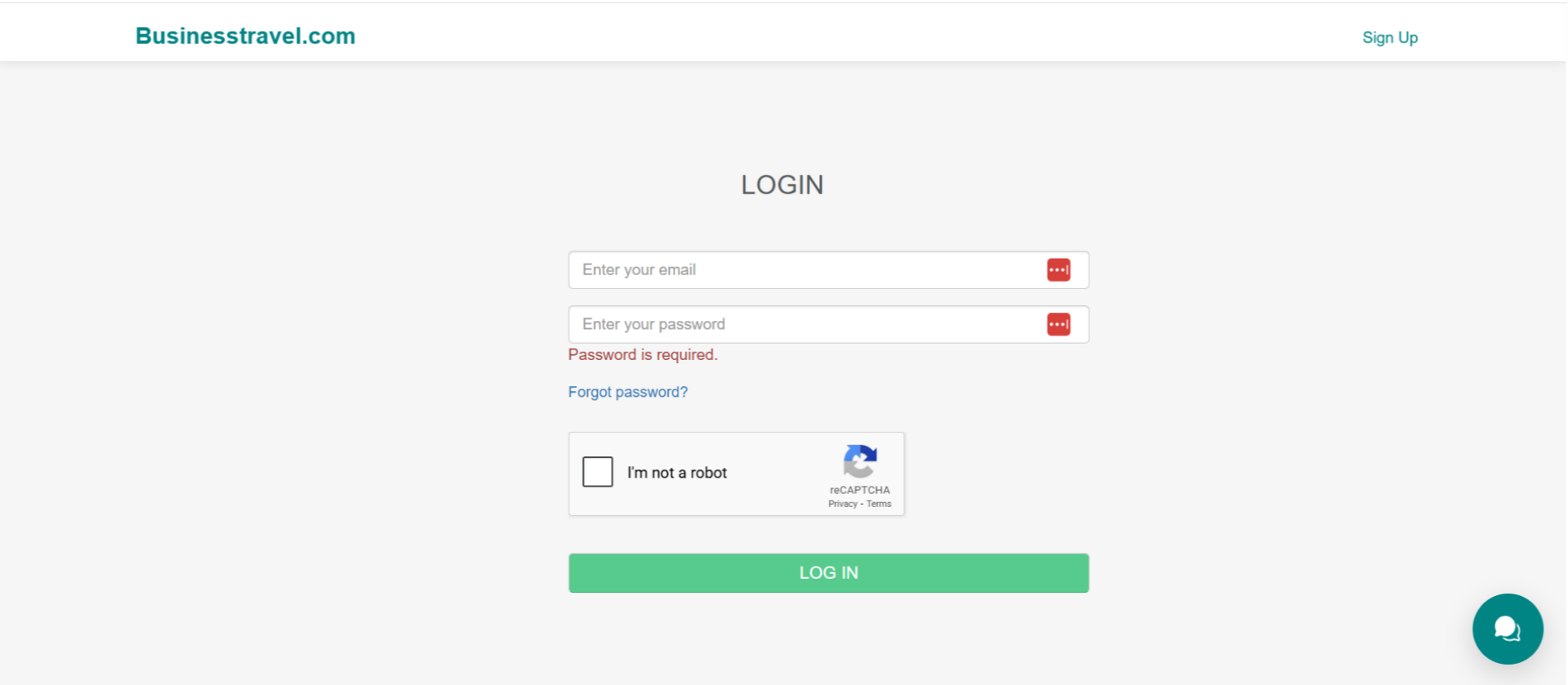
1. Login
Please click Login to proceed

2. Fill in all required details
Once you select Login, you’ll be prompted to enter your email ID and password and complete the CAPTCHA verification. Click Log in to proceed
3. Users
After logging in, go to the Users section
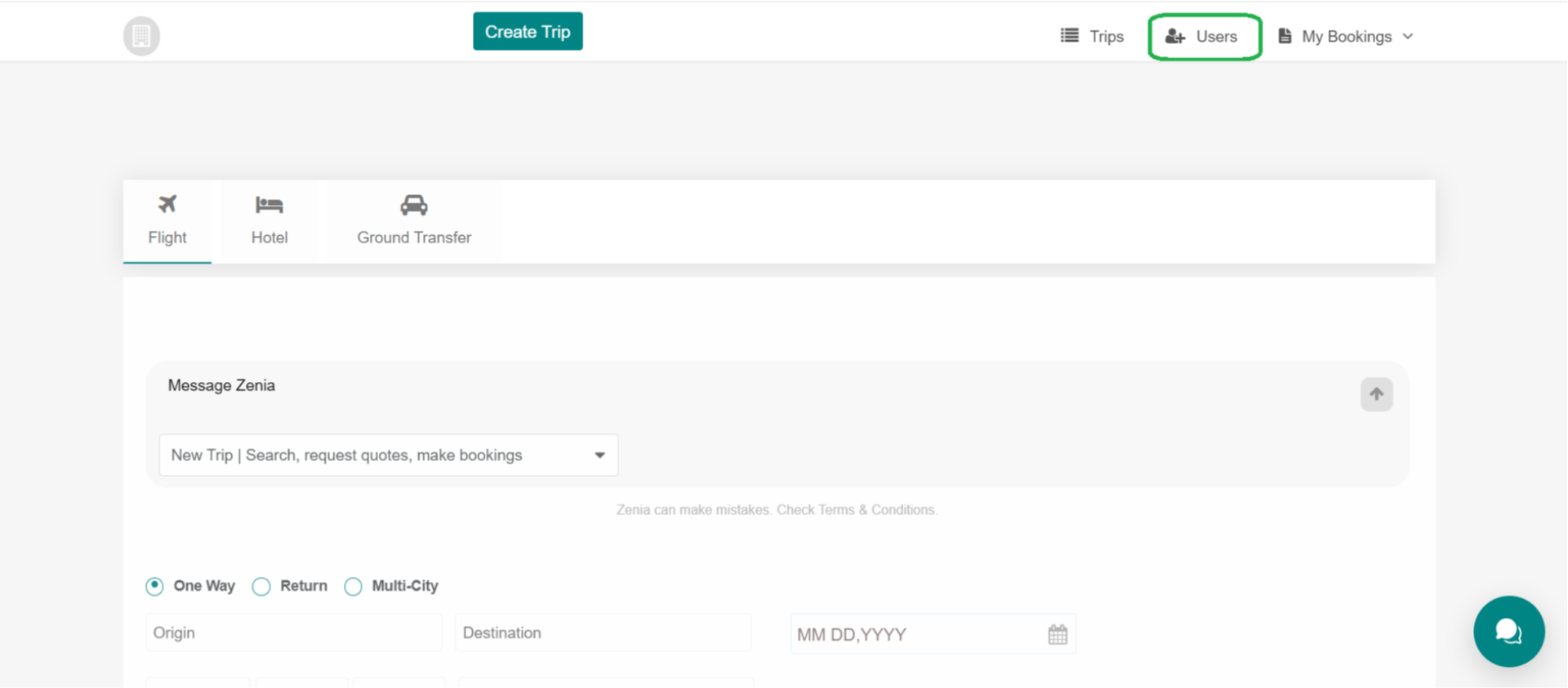
4. Add User Manually
After selecting Users, click Add User Manually to continue

5. Fill in the required employee details
At this point, enter the employee’s details, including their name, contact information, and role details. After completing all required fields, click Add to finish. The employee is now successfully added to the system.