How to mass upload an employee list
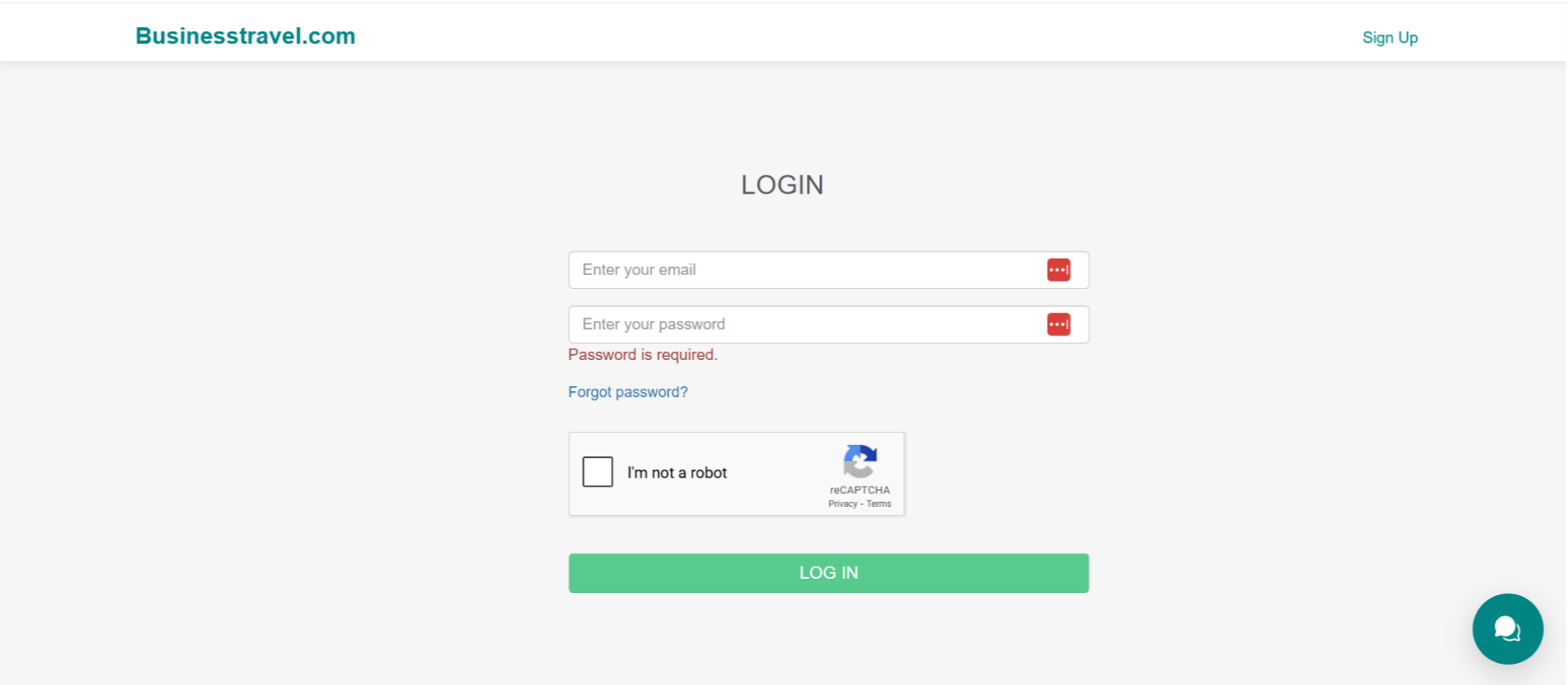
1. Login
Please click Login to proceed

2. Fill in all required details
Fill in all required details, enter your email ID and password, verify the CAPTCHA by selecting ‘I am not a robot,’ and click on Log in
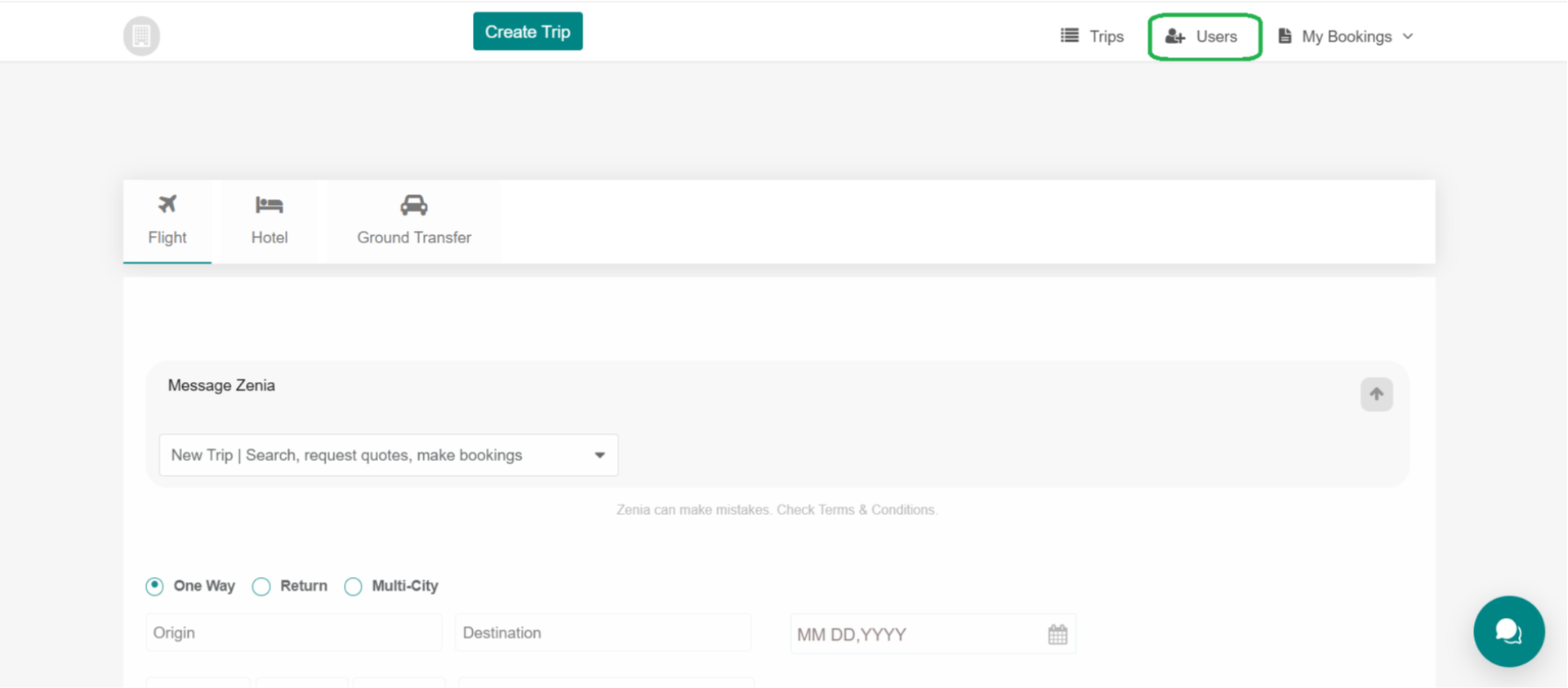
3. Users
After logging in, go to the Users section
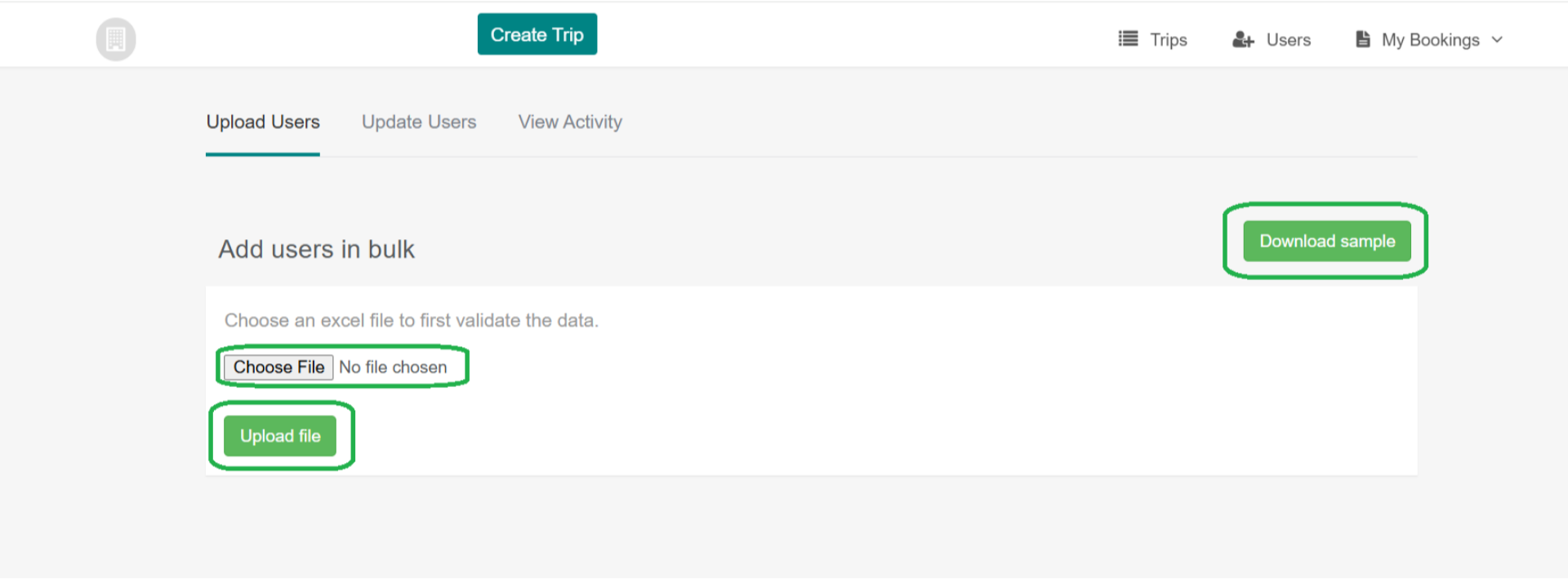
4. Upload in bulk
Now, click Upload in bulk to proceed

5. Users in Bulk page
After selecting Upload in Bulk, the Add Users in Bulk page opens. Upload the Excel file containing the employee details, making sure it follows the provided sample format. Then, click Upload File. Once the upload is complete, all employees will appear on the All Users page